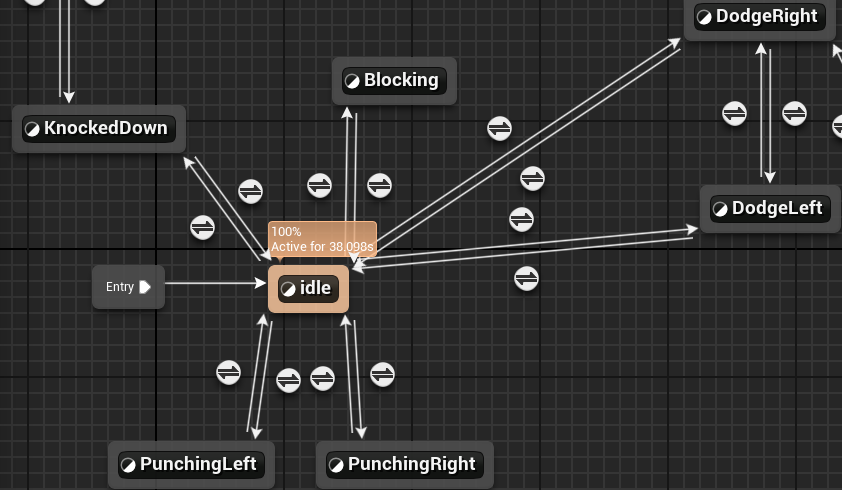
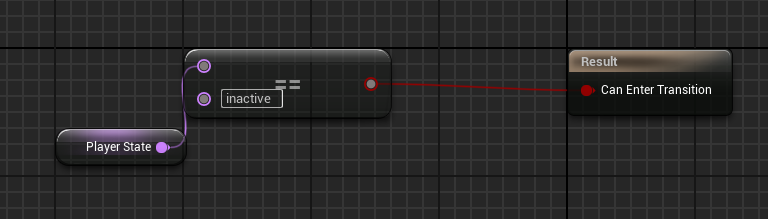
Today my focus was adding a character mesh and the appropriate animations.
Player CCP file
void ACompetitionCharacter::Punch()
{
...
State = "Punching";
if (WhichArm < 0.f)
{
FacingDirectionRight = false;
}
else
{
FacingDirectionRight = true;
...
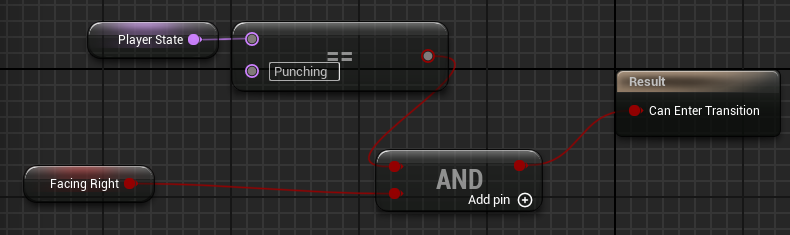
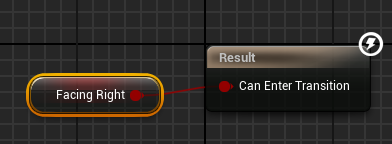
I added a blueprint readable value named “FacingDirectionRight” that will tell the animation blueprint which animation should play. Also I replaced “PlayerState” with “State” as “PlayerState” already existed.
void ACompetitionCharacter::Retreat()
{
...
if (FacingDirectionRight == false)
{
FacingDirectionRight = true;
}
else
{
FacingDirectionRight = false;
...
void ACompetitionCharacter::KnockedDown()
{
...
SpringArm->TargetArmLength = 300;
SpringArm->SocketOffset = FVector(0, 0, 50);
Here the direction is swapped when the player retreats from dodging to play the appropriate animation. Also I zoomed the camera out once the player is knocked to show the full animation as it was clipping into the camera.
Player Anim Blueprint