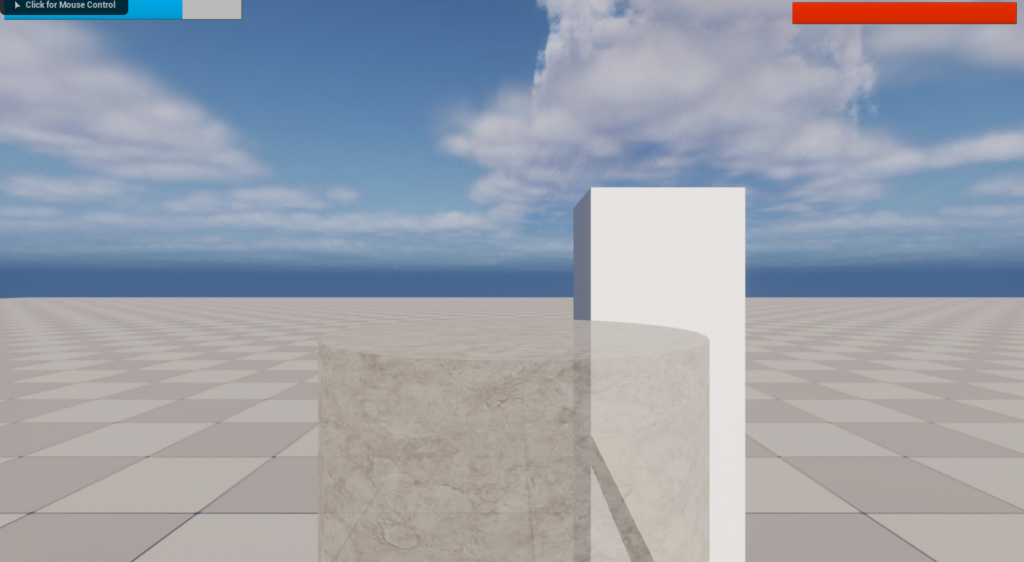
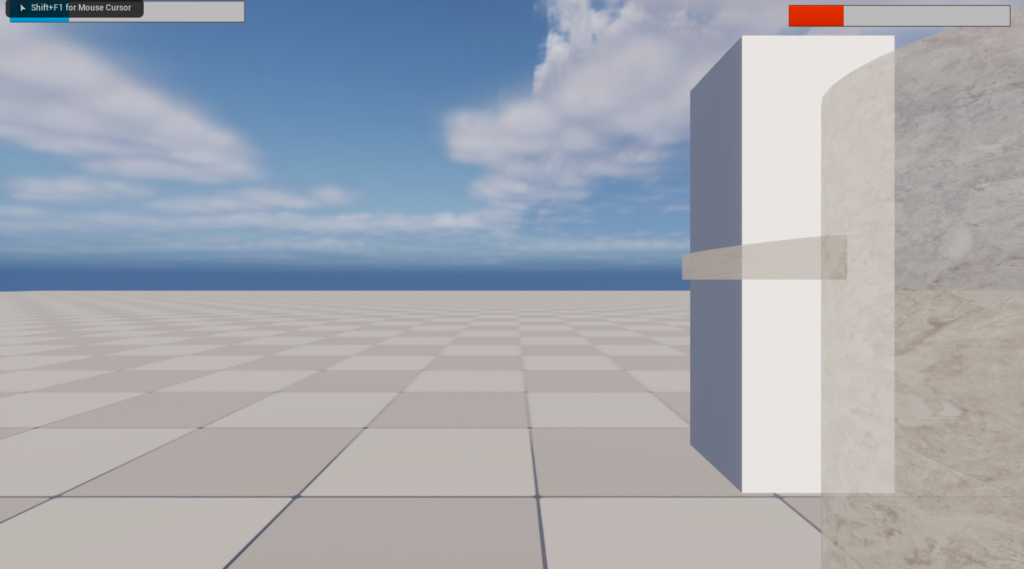
Today my goal was to make the on-screen arrows invisible until needed and set an opaque material for the players body so they can see oncoming attacks.
HUD Blueprint
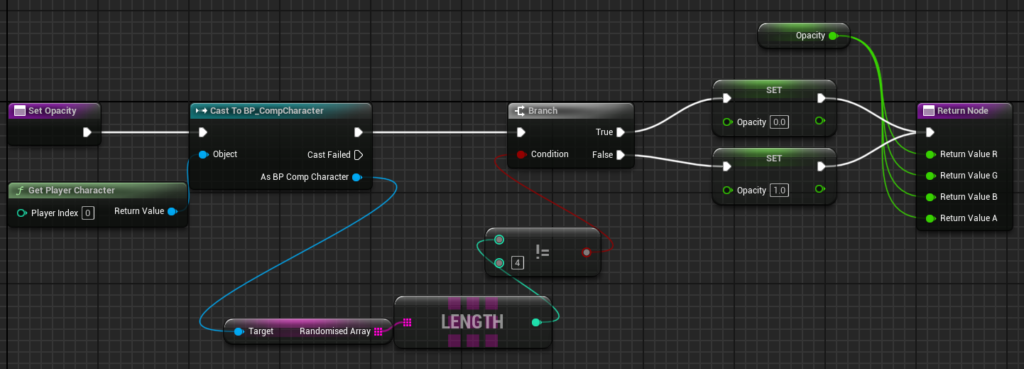
I setup this code to make the arrows boxes only appear when the randomized sequence array is of length 4. Then I binded this to the opacity of each of the boxes.
Player Header
//Material set in blueprint to be used in c++
UPROPERTY(EditAnywhere, BlueprintReadOnly, Category = Material)
UMaterialInterface* TransparentMaterial;
Player CPP
void ACompetitionCharacter::BeginPlay()
...
Body->SetMaterial(0, TransparentMaterial);
...
void ACompetitionCharacter::Punch(const FInputActionValue& Value)
...
PunchingArm->SetMaterial(0, TransparentMaterial);
...
void ACompetitionCharacter::Block()
...
PunchingArm->SetMaterial(0, TransparentMaterial);
Material Blueprint
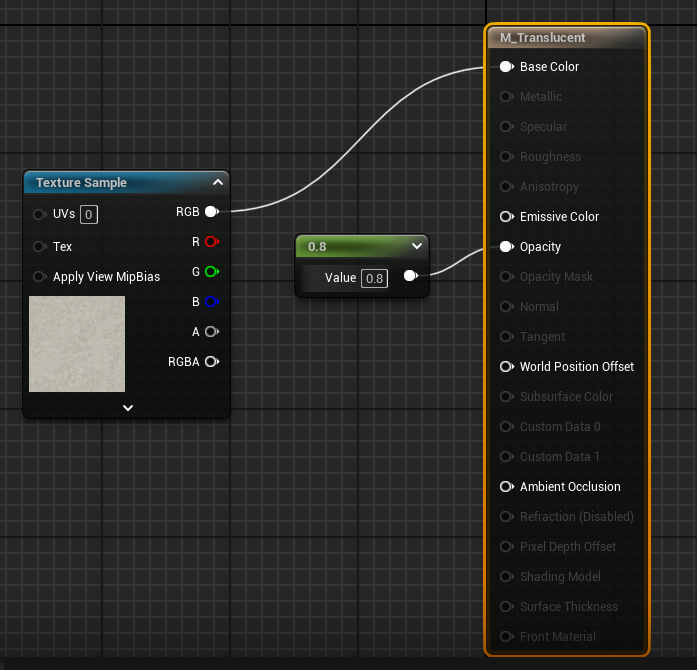
The result is a see-through player that allows the player to more easily view the enemy’s activities: